
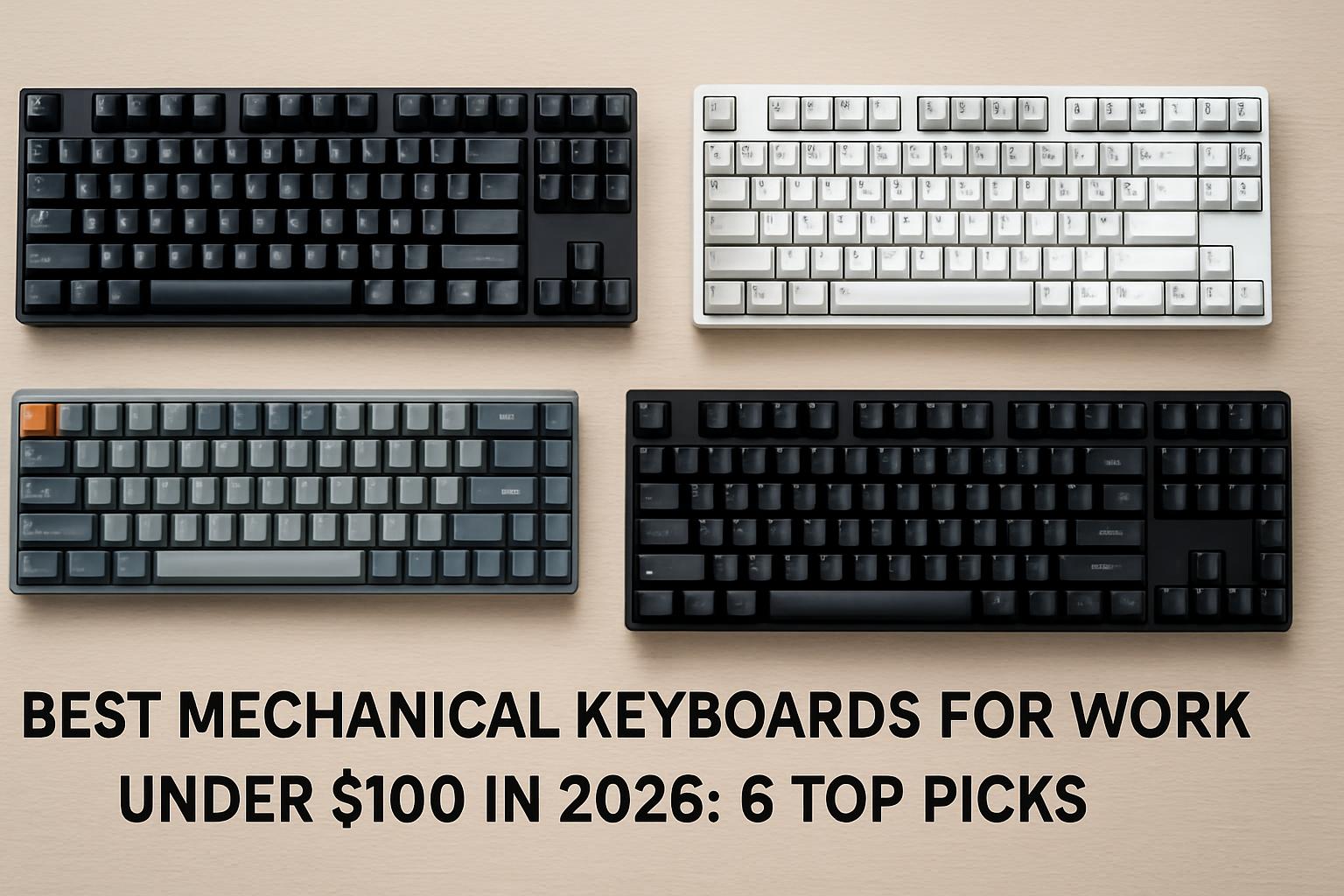

- In 2026 you can get a genuinely office-worthy mechanical keyboard for under $100.
- The Keychron V1 Max (around $94) leads the pack for most desk workers.
- The wired Keychron C2 Pro is the cheapest serious option in this tier.
- Gasket mounts, pre-lubed switches, and hot-swap sockets are now standard on budget boards.
The Best Mechanical Keyboards for Work Under $100 in 2026: 6 Verified Picks
The short answer: in 2026 you can buy a genuinely office-worthy mechanical keyboard for under $100, with the Keychron V1 Max (around $94) leading the pack for most desk workers and the wired Keychron C2 Pro being the cheapest serious option. The sub-$100 tier has changed dramatically — features that cost far more a few years ago are now standard at this price. As one 2026 roundup put it, gasket mounts, pre-lubed switches, and hot-swap sockets – features that cost $150+ just a few years ago – are now standard on budget boards.
This guide is built specifically for work, not gaming flash. That means we weighted things office typists actually care about: comfortable acoustics that won’t annoy a shared room, durable keycaps that don’t shine after six months, multi-device connectivity for laptop-plus-desktop setups, and a layout that fits a real desk. Every product below has been checked against a manufacturer page or major retailer listing during research, and we dropped anything that breaks the $100 ceiling at its normal price (notably the well-reviewed NuPhy Air75 V2, which currently sits around $119 — above our limit).
We’ll start with the comparison table early so you can scan it fast, then break down how we picked, what each board does well (and where it cuts corners), the real-world review picture, a step-by-step buying checklist, and a final “who should buy which” verdict. Prices move constantly at this tier thanks to coupons and sales, so treat every figure as an approximate range and confirm current pricing before you buy.
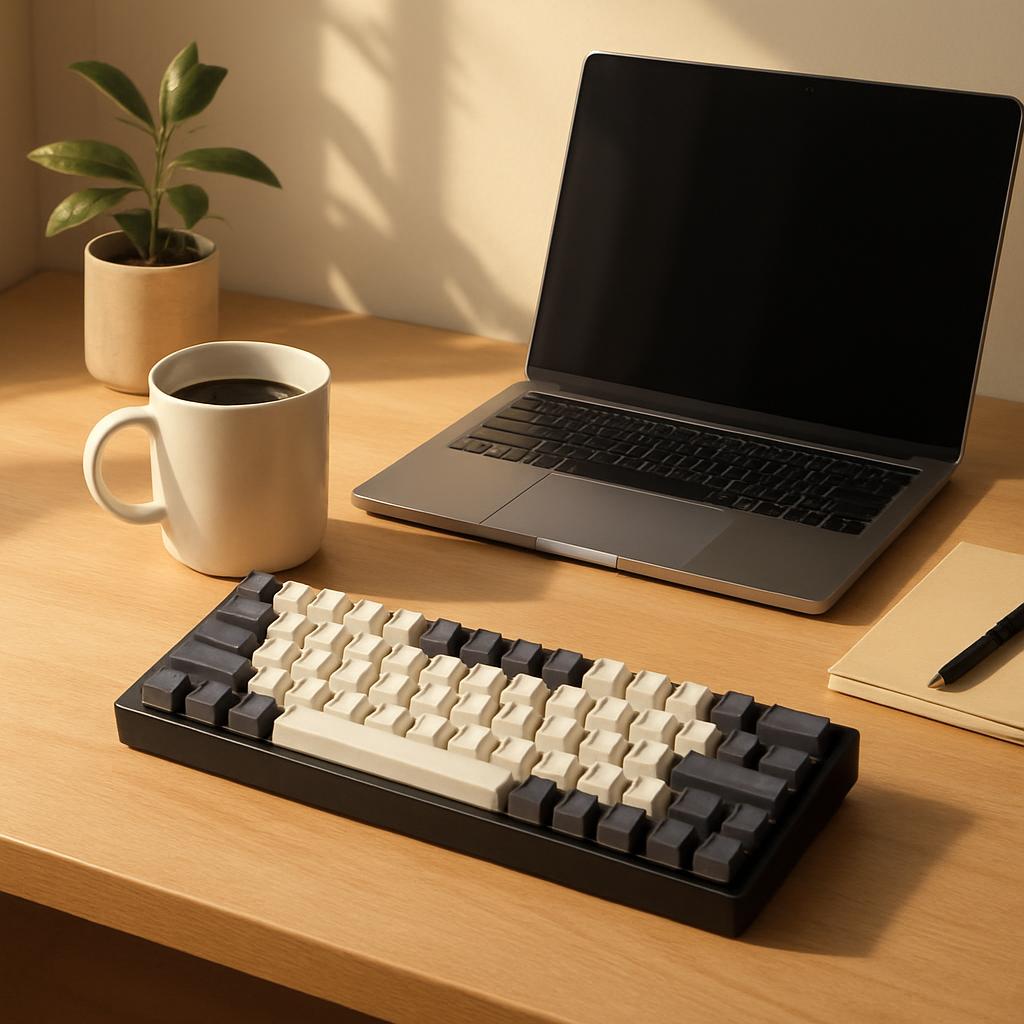
What should you look for in a work mechanical keyboard under $100?
For office use, prioritize five things in this order: quiet-friendly acoustics, durable PBT keycaps, the right layout for your desk, reliable connectivity, and hot-swap support for longevity. Flashy RGB and gaming polling rates matter far less when you’re writing emails and spreadsheets for eight hours a day. Getting these fundamentals right is what separates a keyboard you’ll love from one you’ll quietly return.
Acoustics, keycaps, and build
Sound is the most underrated work feature. Clicky switches are satisfying at home but cause friction in shared spaces, so most office buyers should choose linear or tactile switches and look for sound-dampening foam and a gasket mount, which softens each keystroke. Keycap material matters too: many sub-$100 boards include sound-dampening foam and PBT keycaps that create a pleasant, professional typing experience suitable for open offices and home workspaces. PBT resists the greasy shine that cheaper ABS develops, so your legends stay crisp for years.
Layout, connectivity, and programmability
Layout is a personal-fit decision. A full-size (100%) board keeps a dedicated numpad for finance and data entry; a 75% layout trims the numpad but keeps the function row and arrows while freeing up mouse room; a 60% drops even those for maximum portability. Connectivity is the other big fork: tri-mode connectivity, combining Bluetooth, 2.4GHz, and USB-C wired, is standard on most sub-$100 wireless boards. This lets you switch between devices seamlessly. Finally, QMK/VIA or vendor software lets you remap keys and build macros — a genuine productivity multiplier for repetitive work — and hot-swap sockets let you change switch feel later without soldering.
How do the top work keyboards under $100 compare?
Here’s the head-to-head. Every board below qualifies under $100 at its typical price and suits a work setting; the “Best for” column maps each to the reader most likely to be happy with it. Prices are approximate USD ranges and shift with sales and coupons — verify before buying.
| Model | Approx. Price (USD) | Layout & Connectivity | Key Work Specs | Best for |
|---|---|---|---|---|
| Keychron V1 Max | ~$94 | 75% · BT 5.1 / 2.4GHz / wired | Gasket mount, PBT caps, hot-swap, QMK/VIA | Best overall for most desk workers |
| Keychron C2 Pro | ~$45–95 (varies by version) | 100% full-size · Wired USB-C | PBT caps, QMK/VIA, system toggle | Numpad users on a tight budget |
| Keychron K8 Pro | ~$60–80 | TKL (80%) · BT / wired | Hot-swap, QMK/VIA, Mac+Win caps | Mac/Windows switchers wanting TKL |
| Epomaker TH80 V2 Pro | ~$68–78 | 75% · BT / 2.4GHz / wired | Gasket mount, knob+LCD, big battery, hot-swap | Feature hunters who want a knob |
| Royal Kludge RK84 | ~$54–80 | 75% · BT 5.0 / 2.4GHz / wired | 3750mAh battery, hot-swap, USB pass-through | Wireless on a budget (use Bluetooth) |
| Royal Kludge RK61 Plus | ~$50–79 | 60% · BT / 2.4GHz / wired | Silent linear option, PBT caps, hot-swap | Open-office quiet typers, small desks |
A note on the C2 Pro: there are two distinct versions on sale, so confirm which you’re buying. The original Keychron C2 Pro is a wired full-size (100%) layout board with QMK/VIA support, PBT keycaps, and a 1000 Hz polling rate, often available cheaply, while the C2 Pro 8K is a wired 100% layout keyboard with QMK support, PBT keycaps, and an ultra-fast 8000 Hz polling rate that lists for around $95 at some retailers. For pure office typing the polling-rate difference is irrelevant, so buy whichever is cheaper.
The most important caveat in this whole table concerns the Royal Kludge boards’ 2.4GHz mode. Royal Kludge has a long-standing reputation for wireless quirks; in Tom’s Hardware testing, the RK84’s 2.4-GHz wireless mode suffered from serious interference issues and poor range, though Bluetooth connectivity was far better. Plan to use these over Bluetooth or wired for work, and the value is hard to beat.
Which keyboard is best for your specific work setup?
The best pick depends on your layout needs, your noise environment, and whether you need wireless. For the broadest set of office workers, the Keychron V1 Max is the safest recommendation; for numpad-heavy roles, go full-size; for quiet open offices, prioritize silent switches. Below is the honest strength-and-tradeoff breakdown for each.
Best overall and best for full-size needs
Keychron V1 Max (~$94). This is the all-rounder. The V1 Max is a fully customizable mechanical keyboard offering both 2.4 GHz wireless and Bluetooth 5.1 connectivity, with a compact 75% layout, gasket mount, sound-absorbing foam, and a hot-swappable design. Strength: the gasket mount plus foam gives it typing acoustics and comfort well above its price, and QMK/VIA means full remapping with no coding. Tradeoff: the case is ABS plastic with a polycarbonate plate rather than aluminum, and the 75% layout drops the numpad. One reviewer also noted the bundled OSA profile PBT keycaps feel a little light/thin.
Keychron C2 Pro (~$45–95). The budget full-size champion. Its OEM-profile double-shot PBT keycaps resist oil and prevent legends from fading, and it offers a system toggle plus extra keycaps for Windows and macOS. Strength: a real numpad, QMK/VIA, and durable caps for around the price of a fancy lunch on the standard version. Tradeoff: it’s wired-only (no Bluetooth), so it stays on the desk, and the case is plastic.
Best for Mac/Windows switchers and feature seekers
Keychron K8 Pro (~$60–80). A tenkeyless board built for mixed ecosystems. It’s a TKL mechanical keyboard designed for users who want wireless and wired connectivity, suiting typists who value programmable keys, hot-swappable switches, and compatibility across macOS, Windows, and Linux. Strength: dual-OS keycaps and hot-swap on a compact TKL. Tradeoff: historically its Bluetooth and keycaps drew criticism, and note that the Black Fully Assembled (non-hot-swap) version lacks sound-absorbing foam and a silicone pad — choose a hot-swappable variant for the better typing experience.
Epomaker TH80 V2 Pro (~$68–78). The feature-packed option. It bundles a glass LCD, a rotary knob, tri-mode wireless, hot-swap, VIA support, and a large battery; a reviewer summed it up well, calling it a board that bundles a glass LCD screen, rotary knob, tri-mode wireless, hot-swappable switches, VIA support and a large battery, with a practical screen, a genuinely useful knob, and solid wireless performance. Strength: the volume knob is a real productivity perk. Tradeoff: the ABS plastic case is the clearest reminder of the price point, and at roughly 0.95kg it’s not very portable.
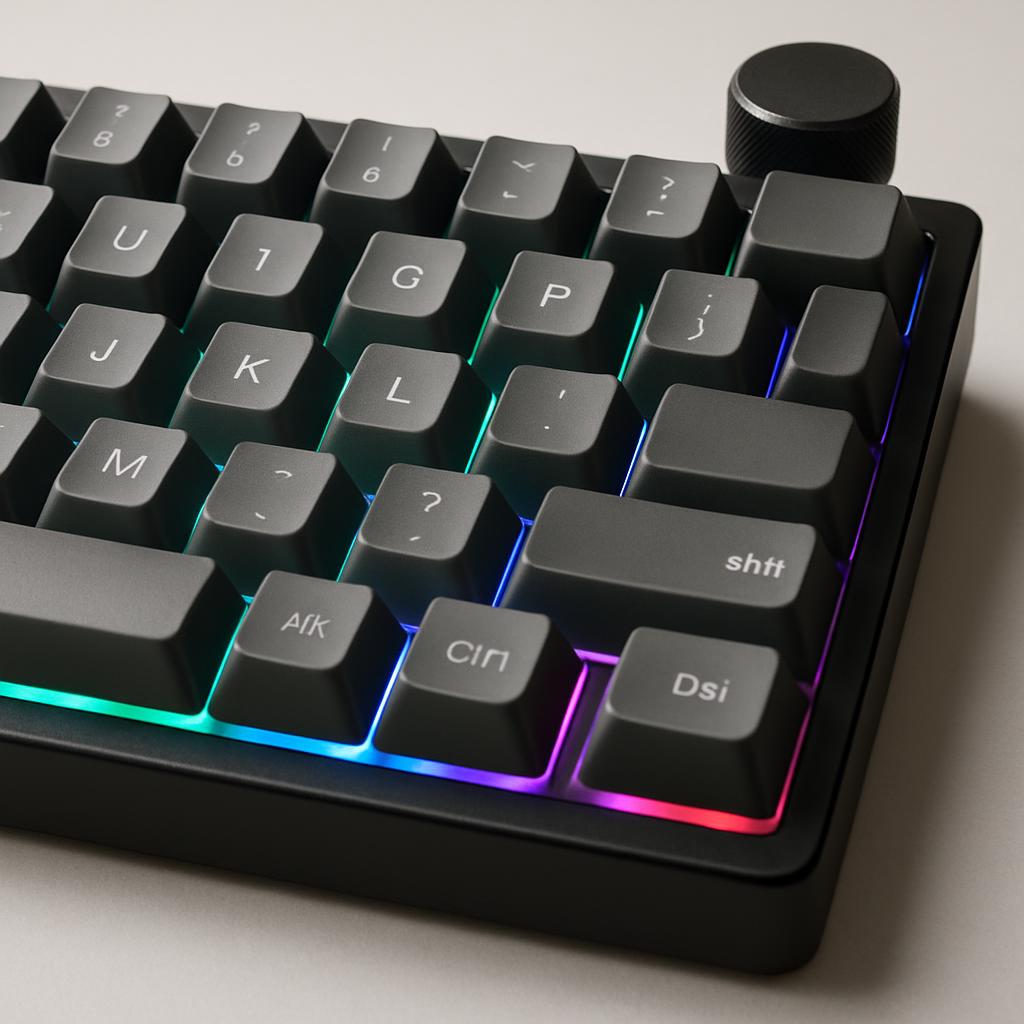
What do real-world reviews and specs show?
Real-world coverage broadly confirms that this price tier delivers, with two consistent caveats: Royal Kludge’s 2.4GHz wireless can be unreliable, and budget boards use plastic cases. Independent reviewers and manufacturer specs line up closely on the headline numbers, which is reassuring for buyers who can’t test in person.
On battery life, the wireless boards are strong. Royal Kludge rates the RK84 as durable to 200 hours of nonstop use with the backlight off, with a full charge requiring only 6-7 hours, backed by a 3750mAh battery. The RK61 Plus offers the same office-friendly switch philosophy: you can choose pre-lubed linear creamy switches, tactile snowfall switches, or a linear silent switch for an ultra-quiet typing experience. That silent option is the single best feature for an open-plan office among these picks.
Acoustics and feel get repeated praise on the gasket-mounted boards. A reviewer of the V1 Max concluded it’s a feature-packed keyboard in a 75% layout that doesn’t break the bank and a strong entry point into customization. The biggest reality check remains durability of materials: nearly every board here uses an ABS or plastic case to hit the price, which is fine for a stationary desk keyboard but means you’re trading the rigidity and heft of aluminum for affordability. If premium acoustics out of the box are your top priority, that’s the main thing the next price tier up buys you.
How do you choose the right work keyboard under $100?
Work through these decisions in order, and the field narrows itself fast. The single most common mistake is buying on RGB and gaming specs when your real needs are layout, noise, and connectivity. Use this checklist before you check out.
- Step 1 — Pick your layout. Need a numpad daily? Choose full-size (C2 Pro). Want desk space but keep arrows/F-row? Choose 75% (V1 Max, TH80 V2 Pro, RK84) or TKL (K8 Pro). Tiny desk or maximum portability? Choose 60% (RK61 Plus).
- Step 2 — Match switches to your room. Shared/open office: linear or silent linear switches. Home office: tactile for feedback, or linear if you prefer smooth. Avoid clicky for any shared space.
- Step 3 — Decide wired vs wireless. Single desktop? Wired C2 Pro saves money. Laptop + desktop juggling? Pick a tri-mode board and, for Royal Kludge, plan to use Bluetooth or wired rather than 2.4GHz.
- Step 4 — Confirm keycaps are PBT. PBT resists shine and fading; it’s standard on every board here, but verify on the exact variant you buy.
- Step 5 — Insist on hot-swap. It future-proofs the board so you can change switch feel later without soldering.
- Step 6 — Re-check the live price. Coupons swing these by 30%+; confirm the model stays under $100 before ordering.
Common mistakes and the fix for each: Mistake — buying clicky switches for an office. Fix: choose silent linear or tactile instead. Mistake — relying on Royal Kludge 2.4GHz for critical work. Fix: use Bluetooth or wired, where these boards perform well. Mistake — paying for an 8000Hz polling rate for typing. Fix: ignore polling rate for office use; it only matters for competitive gaming. Mistake — assuming all “C2 Pro” or “K8 Pro” listings are identical. Fix: verify the version, since some K8 Pro variants drop the foam and silicone pad that improve typing sound.
Finally, set expectations on build. Every board in this guide uses a plastic case to land under $100, and that’s the honest tradeoff of the tier. You’re getting gasket mounts, PBT caps, hot-swap, and wireless — features that genuinely matter for daily work — while saving the aluminum-case refinement for a future upgrade if you fall down the keyboard rabbit hole.
Bottom line: who should buy which?
If you want one safe recommendation for general office work, buy the Keychron V1 Max (~$94) — it balances quiet gasket-mount acoustics, PBT keycaps, hot-swap, tri-mode wireless, and full QMK/VIA programmability better than anything else under $100. It’s the board most desk workers will be happiest with long-term, and it leaves room to tinker later.
For everyone else, match to your situation: choose the Keychron C2 Pro if you need a full numpad and want to spend the least; the Keychron K8 Pro if you switch between Mac and Windows and prefer a TKL; the Epomaker TH80 V2 Pro if a volume knob and on-board screen would genuinely help your workflow; the Royal Kludge RK84 for cheap wireless flexibility (used over Bluetooth); and the Royal Kludge RK61 Plus with silent switches if you sit in a quiet open office and value desk space. All six are legitimate buys; the right one is simply the one that fits your layout, noise level, and connectivity needs.
One last reminder: prices at this tier move weekly with sales and coupons, and specs occasionally vary by variant. Always confirm the current price and exact model version on the retailer or manufacturer page before you order, so the board you want actually lands under your $100 budget.
Frequently Asked Questions
Top Picks to Check on Amazon
Ready to upgrade your desk? The picks above span every common work scenario — full-size to 60%, wired to tri-mode wireless, loud-friendly home offices to quiet open-plan spaces. Check current pricing and switch options on each model’s listing, since the best deal often comes down to a live coupon, and pick the layout-plus-switch combination that matches how you actually work.
Disclosure: This post contains affiliate links. We may earn a commission at no extra cost to you.
