

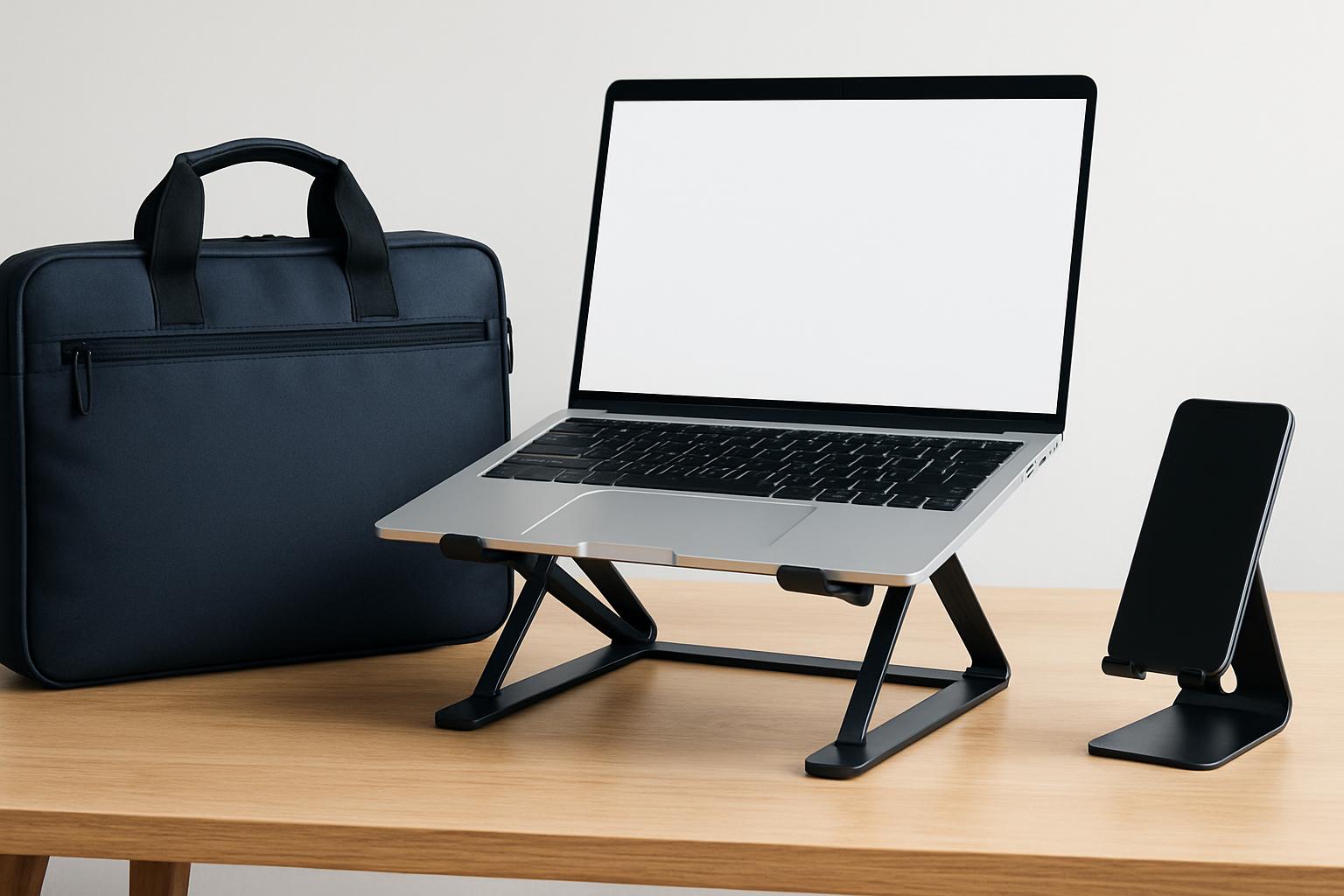

- A quality laptop stand and bag can improve daily productivity more than upgrading to a newer laptop model.
- Laptop stands work best when they fold flat enough to fit inside your everyday carry bag — treat them as a system, not separate purchases.
- A well-designed bag for a 16-inch laptop balances protection with commute comfort, two needs that often trade off against each other.
- The seven products compared in this guide are currently available with verified prices, making recommendations practical and actionable.
Why Your Bag and Stand Matter More Than Your Laptop in 2026
The fastest way to upgrade your productivity in 2026 isn’t a new laptop — it’s pairing the one you have with a well-designed bag and a screen-raising stand. A good stand lifts your display toward eye level so you stop hunching, and the right bag protects a 16-inch machine while staying comfortable on a daily commute. Together they cost a fraction of a new computer but change how every workday feels. This guide compares seven real, currently-sold products across both categories, with verified prices and specs so you can match the gear to how you actually work.
Most “best laptop accessory” lists treat bags and stands as separate worlds. In practice, they’re a system: a stand only helps if it folds flat enough to live in your bag, and a bag only helps if its sleeve fits the laptop you carry. The portable stand category, in particular, exists because of one ergonomic truth — manufacturers position eye-level elevation as the core benefit, since hunching over a flat laptop for hours strains your neck and shoulders. A two-second fold-out stand plus a slim external keyboard turns any café table into a workstation.
Prices below are approximate ranges drawn from manufacturer and major-retailer listings during research, and they move with sales and stock — always confirm current pricing before buying. I’ve flagged honest tradeoffs for every pick because no single bag or stand is right for everyone. A frequent flyer, a hybrid office worker, and a stay-at-home freelancer need genuinely different gear, and the goal here is to map your situation to a specific product rather than crown one universal “winner.”
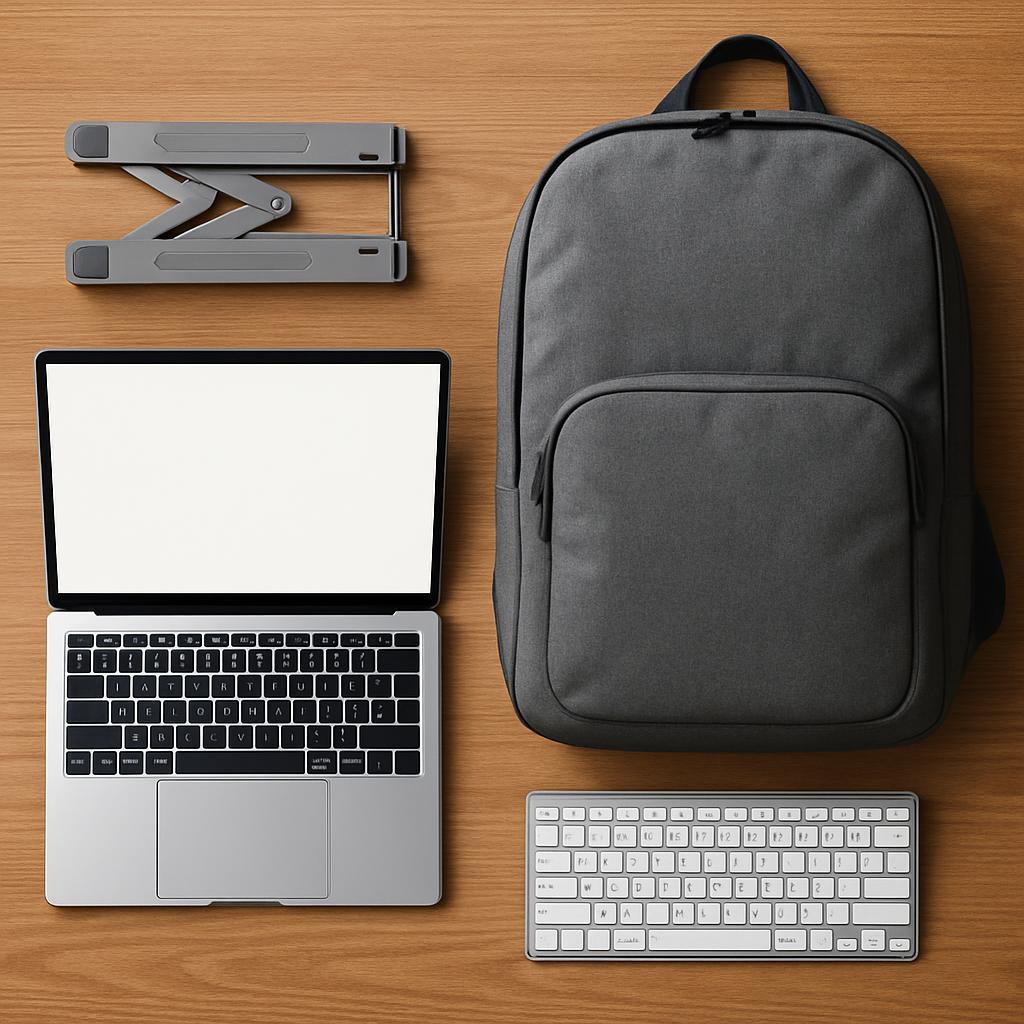
What should you look for in a productivity laptop bag and stand?
Look for three things in a stand — elevation height, weight, and stability — and three things in a bag: a true padded laptop sleeve sized to your machine, comfortable load-bearing straps, and smart organization. Those six criteria separate gear that genuinely improves your day from clutter that sits in a drawer. Everything else (color, branding, extra pockets) is secondary.
For stands, elevation is what saves your neck. Ultra-portable folding stands deliver the most lift: the Roost V3, for example, is described as offering 6 to 14 inches of lift across 7 height settings, enough to bring the top of a laptop screen to true eye level. Weight matters because a stand you have to think about carrying gets left behind — the best travel stands weigh well under half a pound. Stability is the quiet dealbreaker: a wobbly stand makes typing miserable, which is why nearly every brand recommends pairing an elevated stand with an external keyboard and mouse.
Decoding the spec sheet
For bags, the headline number is the laptop sleeve size. Confirm it fits your exact machine — a sleeve rated for a 15-inch laptop may or may not swallow a chunkier 16-inch model, so check the manufacturer’s stated fit. Material and water resistance matter for commuters; recycled ballistic nylon and weatherproof zippers (YKK is a quality signal) hold up to daily abuse. Capacity in liters tells you whether a bag is a slim daily carry (roughly 12–20L) or a travel hauler (28–40L). For stands, watch the “front edge” thickness limit: the Roost, for instance, requires the laptop’s front edge to be under 0.75 inches thick, which covers virtually all modern ultrabooks but can exclude some thick gaming machines.
Portability vs. permanence
Decide upfront whether you need a stand that travels or one that lives on a desk. Folding nylon stands (Roost, Nexstand) collapse to roughly the size of a thin baton and weigh ounces, ideal for café and hotel work. Adhesive stands like MOFT’s are reported to weigh about 2.3 oz and stick flat to the laptop’s underside so they’re always there. Aluminum desk risers like the Nulaxy are heavier and not really portable, but they’re rock-solid and look at home in a permanent setup. Buying the wrong type — a desk stand for a digital nomad, or a featherweight folding stand for a fixed home office — is the most common mistake in this category.
Which bag and stand combo is best for your work style?
The best combo depends on whether you commute, travel, or work mostly from home. Commuters want a slim weatherproof bag plus a fold-flat stand; frequent travelers want a clamshell carry-on backpack and a featherweight stand; home-based workers benefit from a sturdy aluminum desk riser and whatever bag suits occasional trips. Below are the standout picks by scenario.
For the hybrid commuter who carries a laptop, charger, and a few essentials, a clean convertible bag plus an adhesive or folding stand is the sweet spot. The Bellroy Tokyo Totepack converts between backpack and tote and leans professional, while a folding stand tucks into its sleeve. The honest tradeoff with sleeker professional bags is capacity — the Bellroy Tokyo Tote’s second edition, for instance, snugly fits devices up to 13 inches, so 16-inch laptop owners should size up to the Totepack or another model.
For frequent travelers, value-focused tech backpacks have gotten remarkably good. The Tomtoc Navigator-T66 is a standout because it sells around the mid-$80s and fits up to a 17.3-inch laptop with clamshell, suitcase-style access. Pair it with an ultralight folding stand and you have a complete mobile office that fits airline carry-on rules. Photographers and creators who carry more gear gravitate to the Peak Design Everyday Backpack, which uses modular FlexFold dividers and holds up to a 15-inch laptop (or 16-inch MacBook Pro) in its dedicated sleeve — though it sits at a premium price.

What do real-world reviews and long-term use show?
Real-world reviews consistently praise folding nylon stands for durability and neck relief, while flagging that all elevated stands force you into an external keyboard. The recurring theme across long-term testing is that these accessories last for years, but their portability and stability vary in ways spec sheets don’t capture. Reviewers also repeatedly warn that budget options trade some sturdiness for a lower price.
On the stand side, one reviewer who has used the Roost since 2017 reports it “barely looks used” after years of near-daily travel, which speaks to the glass-fiber reinforced nylon build. The budget Nexstand K2 earns strong value praise but candid durability caveats — Pack Hacker notes its harder-rubber grips “don’t stick to your laptop as well” as pricier rivals, and the loose plastic spacer clips are easy to misplace. That’s the tradeoff for a stand that costs roughly a third of premium options.
For bags, budget tech backpacks now draw genuine enthusiasm. Reviewers call the Tomtoc Navigator-T66 a strong value, though one honest roundup notes the all-black interior makes it harder to spot gear and the realistic capacity runs slightly under the advertised 40L. Premium bags like the Peak Design Everyday earn near-universal praise for organization; an independent 2026 backpack roundup highlighted its modular origami-style dividers and top-tier laptop protection despite a roughly 1.7 kg weight. The lesson: pay more for organization and longevity, or save money and accept a few quirks — both paths work if you choose with eyes open.
How do the top laptop bags and stands compare in 2026?
Here’s a head-to-head of seven verified picks — four stands and three bags — with approximate prices and the specs that actually matter. Prices are ranges from manufacturer and retailer listings during research and will shift with sales; confirm before you buy.
| Model | Type | Approx. Price (USD) | Key Specs | Best For |
|---|---|---|---|---|
| Roost V3 | Folding stand | ~$80–$90 | ~6 oz; 7 heights; 6–14″ lift; fits front edge under 0.75″ | Digital nomads wanting max elevation |
| Nexstand K2 | Folding stand | ~$30–$35 | ~234 g; 8 heights; holds up to ~9 kg; fits 10–17″ | Budget buyers who travel |
| MOFT Adhesive/Airflow Stand | Adhesive stand | ~$24–$35 | ~2.3 oz; sticks flat; 2 angles; fits 11.6″–16″ (no vents) | Minimalists who want an “always-on” stand |
| Nulaxy C-series Aluminum | Desk riser | ~$30–$50 | Aluminum; supports up to ~22 lb; fits 10–16/17″; ~6–7″ rise | Fixed home-office desks |
| Tomtoc Navigator-T66 40L | Travel backpack | ~$85–$90 | ~40L; fits up to 17.3″ laptop; YKK zips; clamshell, carry-on size | Frequent travelers on a budget |
| Peak Design Everyday Backpack | Premium pack | ~$220–$300 | Fits 15″ laptop/16″ MacBook Pro; FlexFold dividers; 400D weatherproof shell | Creators needing modular organization |
| Bellroy Tokyo Totepack | Convertible bag | ~$160–$220 | Tote/backpack convertible; water-resistant; padded laptop sleeve (per manufacturer spec) | Professionals who switch carry modes |
A few honest pros and cons worth highlighting. Roost V3: unmatched elevation and zero wobble, but the ~$80–$90 price stings for a “piece of plastic,” and you’ll need an external keyboard. Nexstand K2: roughly a third of the Roost’s price with similar height range, but grips are slicker and the spacer clips are easy to lose. MOFT adhesive: brilliantly invisible and weightless, but it sticks to your machine, offers limited lift, and isn’t recommended for laptops with bottom vents.
On bags: the Tomtoc Navigator-T66 delivers travel features and 17-inch fit at a budget price, but its dark interior hides gear and real capacity runs under spec. The Peak Design Everyday is the organization king with a weatherproof shell, but it’s heavy and expensive. The Bellroy Tokyo Totepack nails professional versatility, though some Tokyo models cap at smaller laptops — verify the sleeve fits your exact machine before buying.
How do you choose the right laptop bag and stand for you?
Choose by working backward from three answers: how big is your laptop, how often do you travel with it, and where do you actually work? Match those answers to the specs in the table and you’ll avoid the two costliest mistakes — buying a sleeve that doesn’t fit and buying a stand type that doesn’t match your routine. Here’s a step-by-step checklist.
Step 1: Measure your laptop and confirm sleeve fit. Note the diagonal screen size and the front-edge thickness. A 16-inch machine needs a sleeve explicitly rated for it; a thick gaming laptop may exceed a folding stand’s 0.75-inch front-edge limit. Step 2: Pick your stand type by mobility. Travel daily? Choose an ultralight folding stand (Roost or Nexstand). Want zero hassle? Go adhesive (MOFT). Work at one desk? Get an aluminum riser (Nulaxy). Step 3: Budget for the external keyboard. Any elevated stand requires one, so factor a slim Bluetooth keyboard and mouse into your total cost — this is the single most overlooked line item.
Here’s a quick common-mistakes-and-fixes map. Mistake: buying a 13-inch-rated tote for a 16-inch laptop — Fix: always read the manufacturer’s stated maximum size, not the marketing photo. Mistake: expecting to type comfortably on an elevated laptop — Fix: budget for an external keyboard from day one. Mistake: choosing a wobbly cheap stand for a heavy laptop — Fix: check the stated weight capacity (the Nexstand handles roughly 9 kg; aluminum risers around 22 lb per spec). Mistake: overpaying for organization you won’t use — Fix: if you carry only a laptop and charger, a slim bag beats a 30L modular pack. Mistake: ignoring water resistance for a bike or transit commute — Fix: prioritize weatherproof shells and quality zippers.
One ergonomic note worth stating plainly: laptop stands can help posture by raising the screen toward eye level and reducing the urge to hunch, but they aren’t a medical device. If you have persistent neck, back, or wrist pain, treat the stand as one part of a broader ergonomic setup and consult a qualified professional rather than relying on gear alone to fix discomfort.
Bottom Line: Who Should Buy Which
If you’re a digital nomad or frequent café/hotel worker, build your kit around the Roost V3 for its class-leading elevation and durability, paired with the Tomtoc Navigator-T66 if you want a carry-on-friendly travel bag that swallows a 17-inch laptop without a luxury price. That combination gives you a true eye-level workstation anywhere and protected transport, for far less than a single premium pack alone. Add a slim Bluetooth keyboard and you’re set.
If you’re a budget-conscious student or hybrid worker, the Nexstand K2 delivers most of the Roost’s benefit at roughly a third of the cost — just accept the slightly slicker grips and keep track of the spacer clips. Pair it with the Tomtoc or a similarly priced commuter pack. If you’re a minimalist who hates carrying extra pieces, the MOFT adhesive stand that stays stuck to your laptop is the most frictionless option, as long as your machine doesn’t have bottom vents. And if you work from a fixed home desk, skip the folding stands entirely and get a sturdy Nulaxy aluminum riser that won’t wobble under a heavy 16-inch laptop.
For creative professionals and photographers who value organization above all and don’t mind spending, the Peak Design Everyday Backpack’s modular dividers and weatherproof shell justify the premium, while the Bellroy Tokyo Totepack suits office professionals who want one bag that shifts from backpack to tote. Whatever you choose, verify the laptop sleeve fits your exact model and confirm current pricing before checkout — both bags and stands go on sale often, and a quick check can save you real money.
Ready to build your setup? The picks below link to the exact models compared above so you can check today’s prices and reviews.
Frequently Asked Questions
Top Picks to Check on Amazon
Disclosure: This post contains affiliate links. We may earn a commission at no extra cost to you.
