
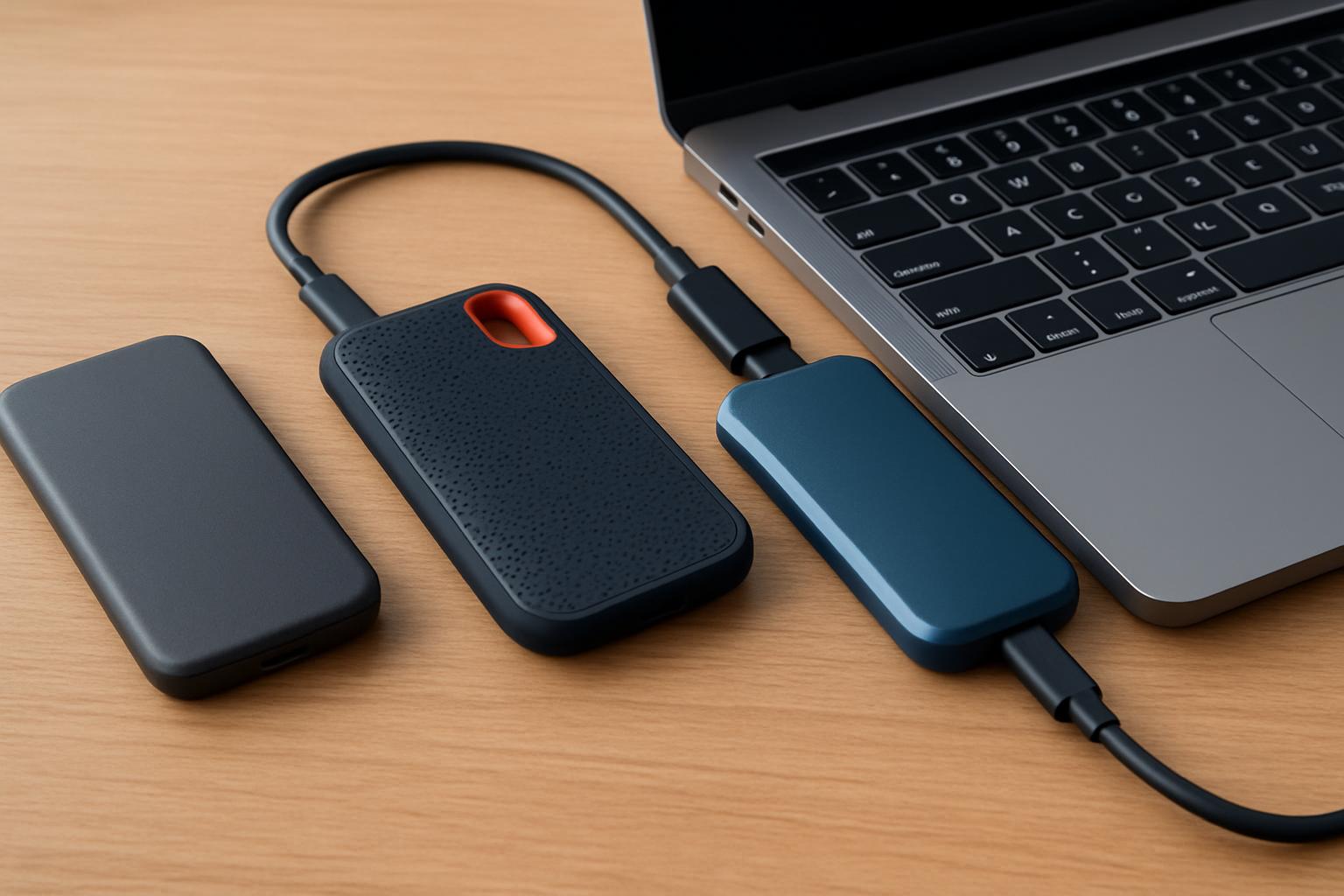

- Your laptop’s port, not the drive’s rated speed, determines real-world SSD performance.
- A USB4 SSD rated at 3,800 MB/s drops to about 1,050 MB/s on a USB 3.2 Gen 2 (10Gbps) port.
- Match the drive’s interface to your hardware before paying for top-tier speeds you can’t use.
- An ongoing NAND flash shortage is making portable SSD prices unusually volatile in 2026.
Portable SSDs in 2026: Why the Right Pick Now Depends on Your Laptop’s Ports
A portable SSD is the fastest, simplest upgrade you can make to a laptop in 2026 — but the single most important factor in 2026 isn’t the drive’s headline speed, it’s whether your laptop’s port can actually deliver it. A USB4 SSD rated at 3,800 MB/s will run at roughly 1,050 MB/s on a typical USB 3.2 Gen 2 (10Gbps) laptop port, so matching the drive to your hardware matters more than chasing the biggest number on the box. This guide compares six real, currently-sold drives across price, interface, and durability so you can buy the right one the first time.
There’s a second 2026 wrinkle that’s easy to miss: prices are unusually volatile. Multiple storage trackers note that an ongoing NAND flash shortage is pushing external SSD prices upward, and retail listings warn buyers to confirm current pricing before purchasing because numbers are fluctuating and trending higher than they were a year ago. Treat every dollar figure in this article as an approximate range and verify it at checkout — a drive that was a bargain last quarter may not be today.
This article is written for the practical buyer: the photographer offloading RAW files in the field, the editor scrubbing 4K timelines off an external drive, the gamer expanding a console or handheld library, and the office worker shuttling files between machines. We’ll cover what specs actually matter, which drive suits which use case, what reviewers found in real testing, a side-by-side comparison table, a step-by-step selection checklist, and a clear bottom-line recommendation. Prices and specs below come from manufacturer pages and major retailers as of mid-2026.
What should you look for in a portable SSD for a laptop?
The four specs that matter most are the interface (which sets your real-world speed ceiling), sustained write speed (not just peak burst), capacity per dollar, and durability rating. Everything else — color, software bundles, included cables — is secondary. Nail those four and you’ll avoid the most common buyer’s regret, which is paying for speed your laptop can’t use or buying a fragile drive for fieldwork.
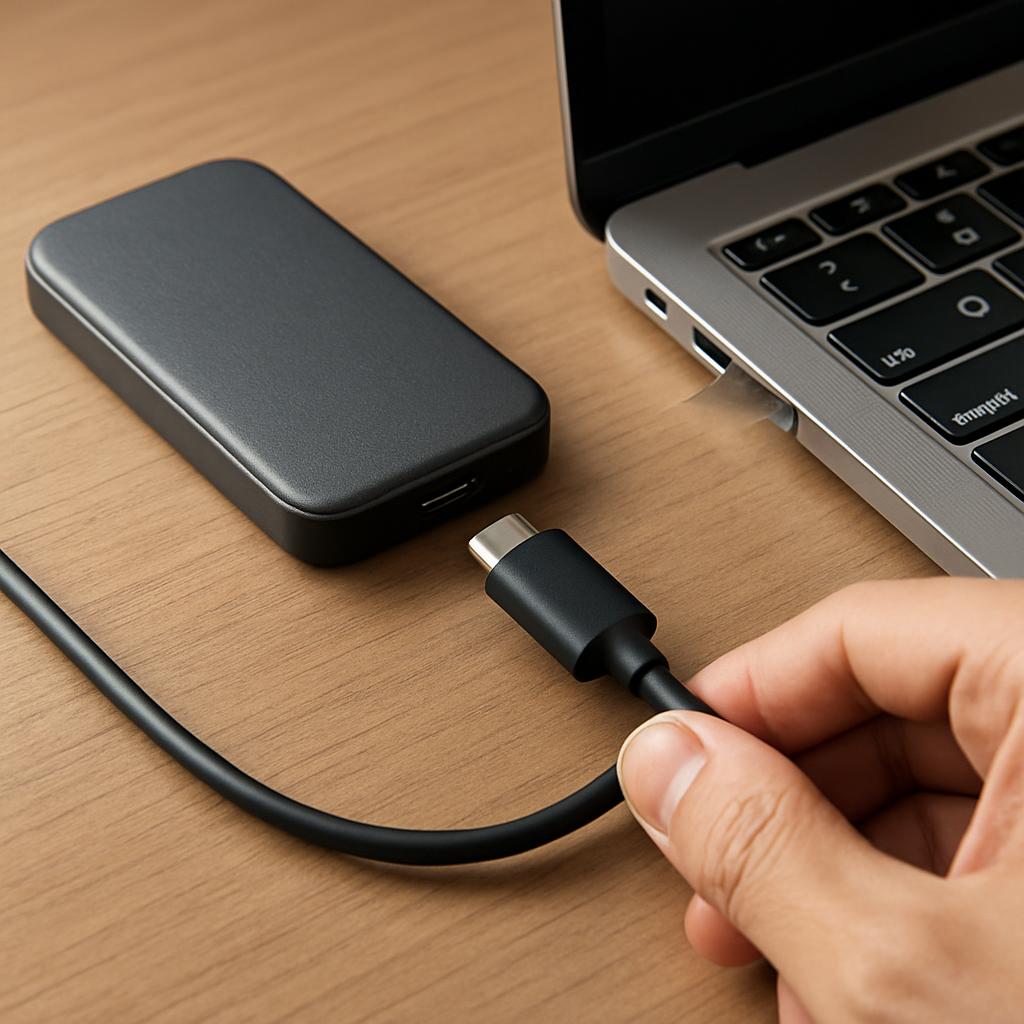
Interface is the foundation. Most laptops shipping today still use USB 3.2 Gen 2 at 10Gbps, which caps real transfer rates around 1,050 MB/s no matter what the SSD is capable of. A faster USB 3.2 Gen 2×2 (20Gbps) drive like the Samsung T9 reaches up to 2,000 MB/s, but that 20Gbps mode was never part of the mainstream USB3 standard and host support is inconsistent. USB4/Thunderbolt drives push to 3,800 MB/s and beyond, but only on USB4 or Thunderbolt 4/5 ports. Check your laptop’s actual port spec before spending for speed you can’t access.
Sustained speed vs. peak speed
Advertised “up to” figures are peak burst numbers, and many drives throttle once their cache fills or they heat up. Reviewers repeatedly flag this: testers note that many drives throttle down after roughly 30 seconds of heavy use, and sustained writes across USB4 drives reportedly range widely from around 800 MB/s on slower models to 1,700 MB/s or more on better-cooled designs. If you copy a single 5GB file, peak speed is what you feel; if you edit a long 4K timeline or dump 200GB of RAWs, sustained speed and thermal design are what actually determine your wait time.
Durability, encryption, and warranty
If the drive leaves your desk, an IP rating is cheap insurance. One roundup framed an IP65-class rating as roughly a $20 premium that’s worth it for protection against dust and water jets. Samsung’s T7 Shield carries an IP65 rating and is rated for drops, while the Crucial X9 Pro and X10 Pro carry IP55. For sensitive data, hardware AES 256-bit encryption (offered on Samsung’s drives via Magician software) lets you password-lock the drive. Warranty length also signals confidence — Samsung backs the T9 with a 5-year limited warranty, and Crucial covers the X9 Pro and X10 Pro for 5 years as well.
Which portable SSD is best for your specific use case?
The best portable SSD for most laptop users in 2026 is the Samsung T9, which delivers up to 2,000 MB/s over USB 3.2 Gen 2×2 with strong thermals and a 5-year warranty — but the right pick changes meaningfully if you have a USB4 laptop, work outdoors, or are shopping strictly on price. There is no single “best” drive; there’s a best drive for your hardware and workflow. Below are the three scenarios that cover most buyers.
For mainstream laptop users and creators with USB 3.2 hosts, the T9 is the safe pick. Samsung lists it at $287.99 MSRP for 1TB with 2,000 MB/s read and write and Dynamic Thermal Guard, though it frequently sells lower — one outlet noted a recent 1TB price around $250 and described it as nearly twice as fast as the older T7. It also supports AES 256-bit hardware encryption via Magician, which is reassuring if the drive travels with work files.
Best for USB4 / Thunderbolt laptops
If your laptop has a genuine USB4 or Thunderbolt 4/5 port, a USB4 drive unlocks performance a USB 3.2 drive simply can’t reach. The SanDisk Extreme PRO with USB4 advertises up to 3,800 MB/s read and 3,700 MB/s write with a rugged silicone-and-aluminum build and a 5-year warranty, priced around $280 for 2TB and $430 for 4TB. The catch is real: reviewers found it sometimes connected at only 10Gbps or 5Gbps before a BIOS update, and even at 40Gbps it placed last among very fast USB4 rivals. It’s also noticeably bulkier at about 5.5 inches long and 172 grams. Buy it only if you have the port to feed it.
Best for rugged, outdoor, and field work
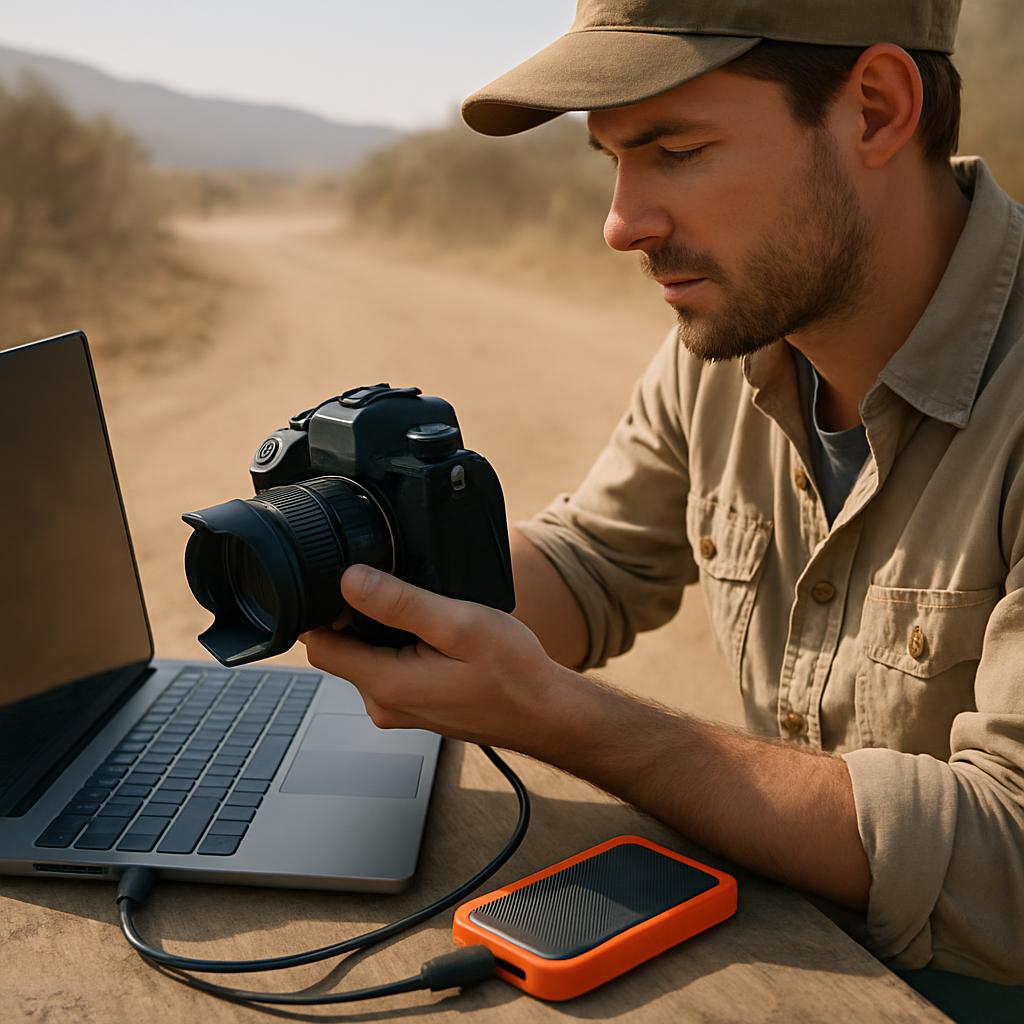
Photographers and videographers shooting on location should prioritize durability over raw speed. The Samsung T7 Shield is built for this: Samsung lists it at 1,050 MB/s read and 1,000 MB/s write with an IP65 water-resistant rating, and the drive is rated to survive drops up to 9.8 feet thanks to its outer elastomer shell. Its ~1,050 MB/s ceiling is the tradeoff — it’s not a sustained-4K-editing drive — but for offloading cards in dust, rain, and heat, that ruggedness matters more than peak throughput. The Crucial X9 Pro (IP55, rated for ~7.5-foot drops) is a lighter-duty alternative at a lower price.
What do real-world reviews and results show?
Across independent reviews in 2026, the Samsung T9 repeatedly lands as the “buy this for most people” pick, while USB4 drives win on raw speed only when paired with the right port. The consensus is consistent: pay for the interface you can actually use, and don’t assume the highest-spec drive is the best buy. Real-world testing keeps surfacing the gap between advertised peaks and what laptops deliver.
One reviewer reported that after extended testing the Samsung T9 emerged as the best portable SSD for most users, balancing speed, reliability, thermal management, and price. Multiple guides echo that, with one site naming the T9 the best overall but recommending a USB4 drive for anyone whose laptop already supports USB4 or Thunderbolt 4. The recurring theme is fit-for-purpose, not a single champion.
The port-dependence is the most important real-world finding. A hands-on tester noted that the SanDisk Extreme PRO USB4 consistently hit around 3,400 MB/s on a Thunderbolt 4 MacBook Pro but dropped to about 1,050 MB/s on an older laptop with only USB 3.2 Gen 2. That’s a roughly 3x difference driven entirely by the host, not the drive. The practical lesson: if you’re still on a 10Gbps laptop, a ~$120–$230 USB 3.2 drive will perform identically to a $280+ USB4 drive — so the cheaper one is the smarter buy until you upgrade your laptop.
How do the top portable SSDs of 2026 compare?
Here’s a side-by-side look at six currently-sold drives, organized by interface tier so you can match a drive to your laptop’s port. Speeds are manufacturer-claimed peaks; prices are approximate mid-2026 ranges that move with the NAND market, so confirm current pricing before you buy.
| Model | Approx. Price (USD) | Interface / Claimed Speed | Durability / Warranty | Best for |
|---|---|---|---|---|
| Samsung T9 (1TB) | ~$250–$288 | USB 3.2 Gen 2×2 / up to 2,000 MB/s | AES 256-bit; 5-yr warranty | Best all-around for most laptops |
| SanDisk Extreme PRO USB4 (2TB) | ~$280 (2TB) / ~$430 (4TB) | USB4 / up to 3,800 MB/s read, 3,700 write | IP65; 5-yr warranty | USB4/Thunderbolt laptops, 4K/8K editing |
| Crucial X10 Pro (2TB) | ~$150–$230 | USB 3.2 Gen 2×2 / up to 2,100 read, 2,000 write | IP55, ~7.5 ft drop; 5-yr warranty | Value high-speed editing & transfers |
| Samsung T7 Shield (1TB) | ~$90–$140 | USB 3.2 Gen 2 / up to 1,050 read, 1,000 write | IP65, ~9.8 ft drop; 3-yr warranty | Rugged fieldwork & travel |
| Crucial X9 Pro (1TB) | ~$89–$120 | USB 3.2 Gen 2 / up to 1,050 MB/s | IP55, ~7.5 ft drop; 5-yr warranty | Best value for backups & overflow |
| SanDisk Extreme PRO USB4 (4TB) | ~$430–$480 | USB4 / up to 3,800 MB/s read, 3,700 write | IP65; 5-yr warranty | High-capacity pro video on USB4 |
Quick honest pros/cons. Samsung T9: fast and well-built with a long warranty, but it has no IP rating, so it’s less ideal for rough handling. SanDisk Extreme PRO USB4: genuinely the fastest tier here, but bulky and reviewers found it slightly slower than rivals plus prone to connection hiccups before firmware/BIOS updates. Crucial X10 Pro: excellent speed-per-dollar at 20Gbps, but it needs a Gen 2×2 host to hit its peak.
And the budget tier. Samsung T7 Shield: outstanding ruggedness and drop protection, but capped near 1,050 MB/s, so it’s not for sustained high-bitrate editing. Crucial X9 Pro: often the cheapest dollar-per-terabyte option with a 5-year warranty, but its plastic chassis and ~1 GB/s ceiling mean it’s best as backup and overflow storage rather than a primary scratch disk. Note prices on every model can swing with the ongoing flash shortage.
How do you choose the right portable SSD? A step-by-step checklist
Choosing the right drive comes down to a five-step check: confirm your port, set a realistic capacity, decide if you need ruggedness, match speed to your workflow, and verify today’s price. Work through these in order and you’ll land on the correct drive without overpaying. Here’s the practical sequence.
- 1. Identify your laptop’s port. Look up whether it’s USB 3.2 Gen 2 (10Gbps, ~1,050 MB/s ceiling), Gen 2×2 (20Gbps, ~2,000 MB/s), or USB4/Thunderbolt (40Gbps+). This single step decides whether a USB4 drive is worth the premium.
- 2. Right-size capacity. Budget roughly: 1TB for documents and a small photo library, 2TB for active 4K projects and game libraries, 4TB+ for pro video archives. Bigger drives also often sustain writes slightly better thanks to more parallelism.
- 3. Decide if you need an IP rating. Desk-only? Skip it and save money. Field, travel, or commute use? Choose IP55 (Crucial X9/X10 Pro) or IP65 with drop rating (Samsung T7 Shield).
- 4. Match speed to workflow. Backups and file transfers are fine at 1,050 MB/s; sustained 4K/8K editing benefits from 2,000 MB/s (T9, X10 Pro) or USB4 — but only on a capable port.
- 5. Verify current price and warranty. Because of the flash shortage, check the live price and confirm the warranty length before buying.
Common mistakes and the fix for each. Mistake: buying a USB4 drive for a 10Gbps laptop — the fix is to check your port first and buy a cheaper USB 3.2 drive that performs identically until you upgrade. Mistake: trusting “up to” peak speeds for long transfers — the fix is to look for sustained-write data in reviews and favor drives with good thermal designs. Mistake: skipping an IP rating on a drive that travels — the fix is to spend the roughly $20 premium for a rugged model that survives drops and dust.
One more habit that survives every buying decision: a portable SSD is fast working storage, not a backup. Reviewers stress keeping multiple copies of important data across different drives. Treat your portable SSD as one copy in a 3-2-1 backup strategy, not the only home for irreplaceable files — SSDs can fail without the slow warning signs a spinning hard drive sometimes gives.
Bottom line: which portable SSD should you buy in 2026?
For most laptop users, the Samsung T9 is the best all-around portable SSD in 2026 — fast at up to 2,000 MB/s, well-built, encrypted, and backed by a 5-year warranty at a frequently discounted ~$250 for 1TB. If your laptop tops out at USB 3.2 Gen 2 (10Gbps), don’t overpay for USB4 you can’t use; the value-focused Crucial X9 Pro (~$89–$120, 1TB) or rugged Samsung T7 Shield (~$90–$140, 1TB) will perform just as well for backups, transfers, and game libraries.
Map it to your situation: location photographers and outdoor creators should grab the IP65, drop-rated T7 Shield; budget buyers who just need reliable backup and overflow want the Crucial X9 Pro; and anyone wanting high-speed editing on a 20Gbps host gets excellent value from the Crucial X10 Pro (~$150–$230, 2TB). Only buyers with a genuine USB4 or Thunderbolt 4/5 port — and 4K/8K workflows that demand it — should pay the premium for the SanDisk Extreme PRO USB4, and even then verify your port negotiates 40Gbps after any BIOS update.
Whatever you choose, remember the two rules that override every spec sheet in 2026: match the drive to your laptop’s actual port, and confirm the live price before checkout because the flash shortage keeps moving numbers. Buy the interface you can use today, size the capacity to your real projects, add an IP rating only if the drive leaves your desk, and always keep a second backup copy of anything you can’t afford to lose.
Frequently Asked Questions
Top Picks to Check on Amazon
Ready to upgrade? The drives compared above — the Samsung T9, SanDisk Extreme PRO USB4, Crucial X10 Pro, Samsung T7 Shield, and Crucial X9 Pro — are all widely available at major retailers. Use the links to check today’s live pricing and capacity options, since the best deal on any given week shifts with the current flash market.
Disclosure: This post contains affiliate links. We may earn a commission at no extra cost to you.
